- Join our Team
- Resources
-
Account
- Cart
- EN FR

-
Search a Datakit product
Datakit offers two ranges of solutions to meet the needs of professionals and software publishers.
To discover our solutions, please visit :datakit.com -
Register on the website
Clic on « register right now » in the right column.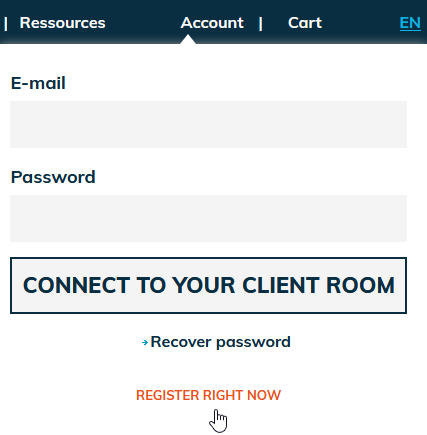 Fill in the register form and validate.
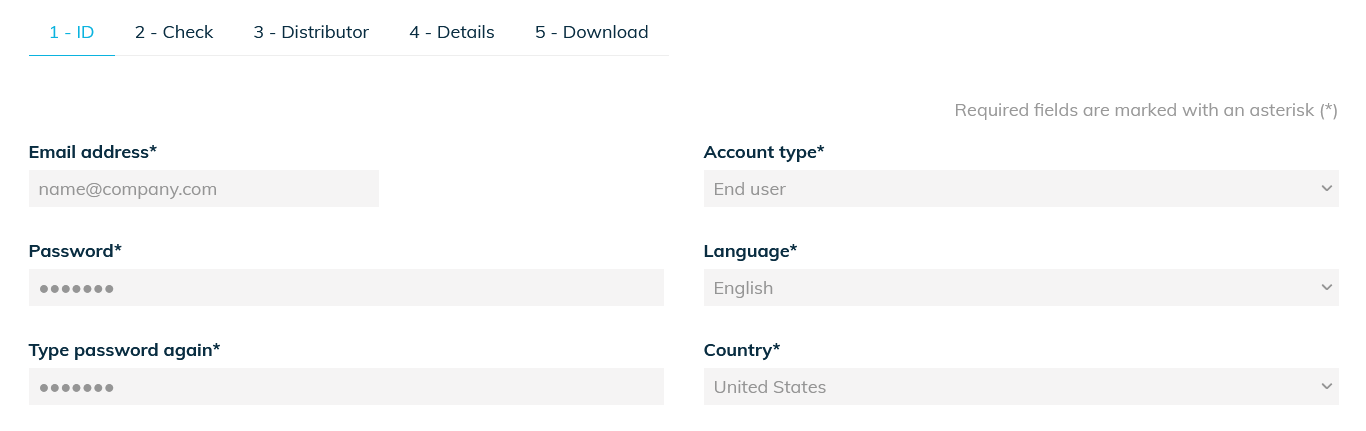 Clic on the confirmation link in the e-mail that you have received :
« Compulsory : Click here to activate your account.
https://www.datakit.com/fr/inscription_activation.php?activate=6682&code=ffc20caa5462ac98ccf0b3be » -
Install a product
Log on to the web site.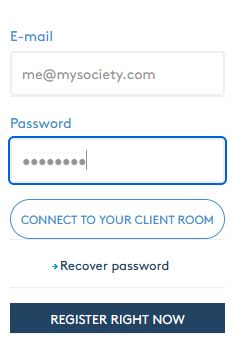 Choose the supplier who suits you best.
 Search the product that you want (see « search a Datakit product »).
 Clic on « download » and save the installation file.
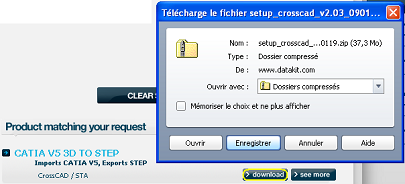 Open the executable file to launch the installation.
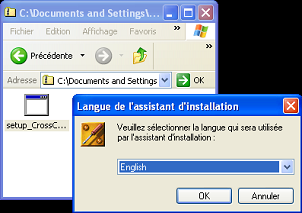 Follow the instructions.
 -
Apply for a trial license
From your account you can request a quote.A trial licence to convert your 3D files to PDF 3D (or PDF 2D for 2D) is being provided.As you soon as the licence has been downloaded, it will be valid for windows for a 2 days time.
Upon purchase, we will send you a new license which will allow you to export the data in the format you ordered.In order to contact us, please email or log to your account with your ID.